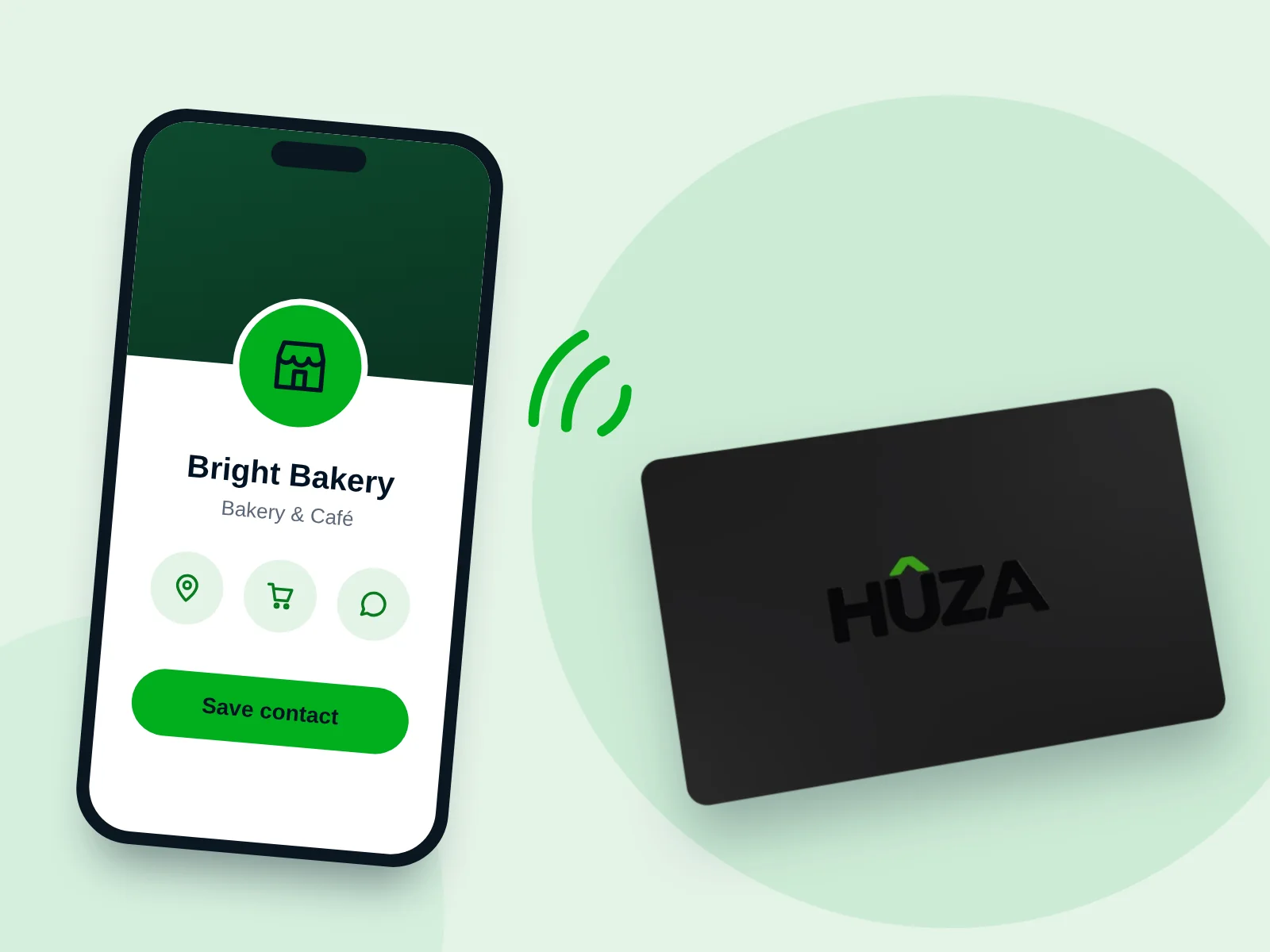
What to put on the profile
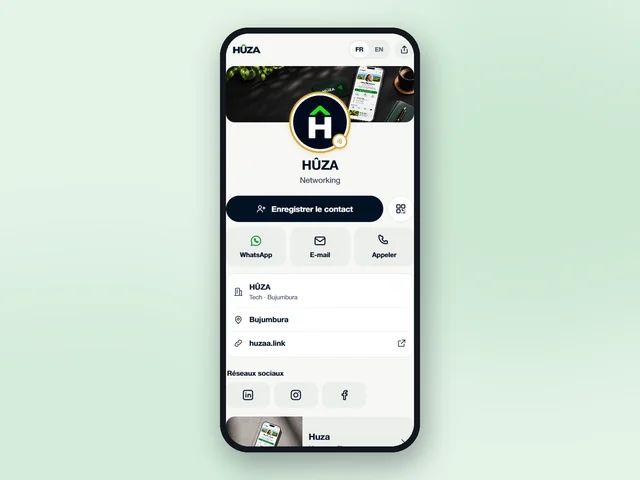
The profile is a simple page in your colours. The most useful things for a small business:
- Your name, what you do and your logo
- A WhatsApp button
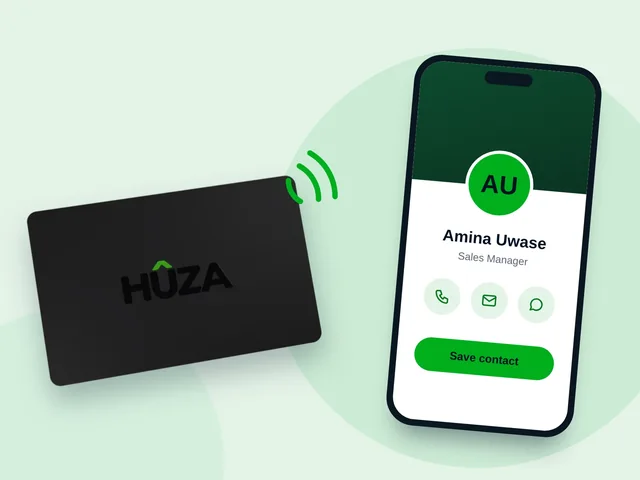
- Save contact to phone
- Opening hours and location
- Links to your catalogue, website or social pages
Equipping a small team
Each person gets a profile and a link of their own, with one design shared by the whole team. When someone leaves, we replace their card without touching the others. For 5 cards or more, write to us for team pricing.
Ordering step by step
Four simple steps, from opening the studio to holding your card.
- 1
Open the studio
Go to the card studio and choose a design and a material.
- 2
Add your details
Your name, logo and contact details, then your profile.
- 3
Preview and confirm
We confirm the order by phone and send you a preview before printing.
- 4
Pay and receive
You pay us directly, by mobile money, bank transfer or cash. Then your card arrives.
After the order
Your links and details stay editable. A new number or a new product to feature does not need a new card.